Table of Contents
ToggleBest Pixel Tracking Guide: The Ultimate 2026 Blueprint for Accurate Conversion & Audience Tracking
If you’re running digital ads without pixel tracking, you’re flying blind.
Pixel tracking is the backbone of modern digital marketing. It allows you to track user behavior, measure conversions, optimize campaigns, and build powerful retargeting audiences across platforms like Meta, Google, LinkedIn, TikTok, and more.
In this complete 3000-word guide, you’ll learn:
-
What pixel tracking is
-
How it works
-
Types of pixels
-
Step-by-step setup process
-
Conversion tracking best practices
-
Advanced strategies
-
Privacy updates (2026)
-
Common mistakes to avoid
-
A full implementation roadmap
Let’s build a tracking system that gives you real control over your marketing performance.
What Is Pixel Tracking?
A tracking pixel is a small piece of code added to your website that collects user behavior data and sends it back to an advertising platform.
When someone visits your website:
-
The pixel loads in their browser
-
It records actions (page views, purchases, clicks)
-
It sends this information back to the ad platform
-
The platform uses this data for optimization and retargeting
Without a pixel:
You can’t measure conversions accurately.
With a pixel:
You can optimize campaigns based on real data.
Why Pixel Tracking Is Critical in 2026
Marketing today is:
-
Multi-device
-
Multi-channel
-
Privacy-regulated
-
Data-driven
Pixel tracking enables:
✔ Conversion tracking
✔ Retargeting audiences
✔ Lookalike audiences
✔ Campaign optimization
✔ ROI calculation
✔ Event-based automation
Platforms like Meta Ads rely heavily on pixel event data to optimize delivery toward high-converting users.
Types of Tracking Pixels
1. Meta Pixel
The Meta Pixel (formerly Facebook Pixel) tracks actions from:
-
Facebook Ads
-
Instagram Ads
It allows:
-
Purchase tracking
-
Add-to-cart tracking
-
Lead form tracking
-
Custom audience building
2. Google Tag (Google Ads Conversion Tag)
Used with Google Ads to track:
-
Purchases
-
Form submissions
-
Calls
-
App installs
It also supports enhanced conversions and cross-device tracking.
3. Google Analytics Tag
With Google Analytics (GA4), you can track:
-
Events
-
Engagement time
-
Funnel behavior
-
User journey
GA4 uses event-based tracking instead of session-based tracking.
4. LinkedIn Insight Tag
Used for B2B tracking via LinkedIn Ads:
-
Lead generation
-
Website visits
-
Demo bookings
5. TikTok Pixel
Tracks:
-
Video views
-
Product views
-
Purchases
Essential for eCommerce brands targeting Gen Z.
How Pixel Tracking Works (Simple Explanation)
Here’s the flow:
User clicks ad
→ Lands on your website
→ Pixel fires
→ Action recorded
→ Data sent back to ad platform
→ Platform optimizes delivery
Over time:
Algorithms learn who converts.
Ads get smarter.
Costs decrease.
Step-by-Step: How to Install a Pixel Properly
Step 1: Create Pixel in Ad Platform
Example:
In Meta Ads Manager:
-
Go to Events Manager
-
Create new pixel
-
Copy base code
Step 2: Add Base Code to Website
Place pixel base code:
-
In website header
OR -
Via tag manager
Step 3: Use Google Tag Manager (Recommended)
Google Tag Manager allows you to:
-
Install multiple pixels
-
Trigger events
-
Avoid editing website code repeatedly
This is the professional approach.
Step 4: Set Up Events
Standard events include:
-
PageView
-
ViewContent
-
AddToCart
-
InitiateCheckout
-
Purchase
-
Lead
-
CompleteRegistration
Each event helps the algorithm understand user behavior.
Standard Events vs Custom Events
Standard Events
Predefined by ad platforms.
Better for optimization.
Custom Events
Custom-coded events for unique actions.
Used for advanced tracking.
Example:
Tracking button clicks or scroll depth.
Conversion Tracking Setup Example (eCommerce)
-
Add base pixel
-
Add ViewContent on product page
-
Add AddToCart on cart button
-
Add InitiateCheckout on checkout page
-
Add Purchase event on thank-you page
This creates a full funnel tracking system.
Pixel Tracking for Lead Generation
For service businesses:
Track:
-
Form submission
-
Call booking
-
Webinar registration
-
Download confirmation
Place event on “Thank You” page after form submission.
Retargeting Strategy Using Pixels
Pixel data allows you to create audiences such as:
-
Website visitors (30 days)
-
Cart abandoners
-
Video viewers
-
Blog readers
-
Past buyers
Then show them:
-
Special discount ads
-
Reminder ads
-
Upsell offers
Retargeting often reduces cost per conversion dramatically.
Lookalike Audience Strategy
Platforms like Meta use pixel data to:
-
Analyze your converters
-
Find similar users
-
Expand reach profitably
Best practice:
Create lookalikes based on:
-
Purchasers
-
High-value customers
-
Repeat buyers
Advanced Pixel Tracking Strategies
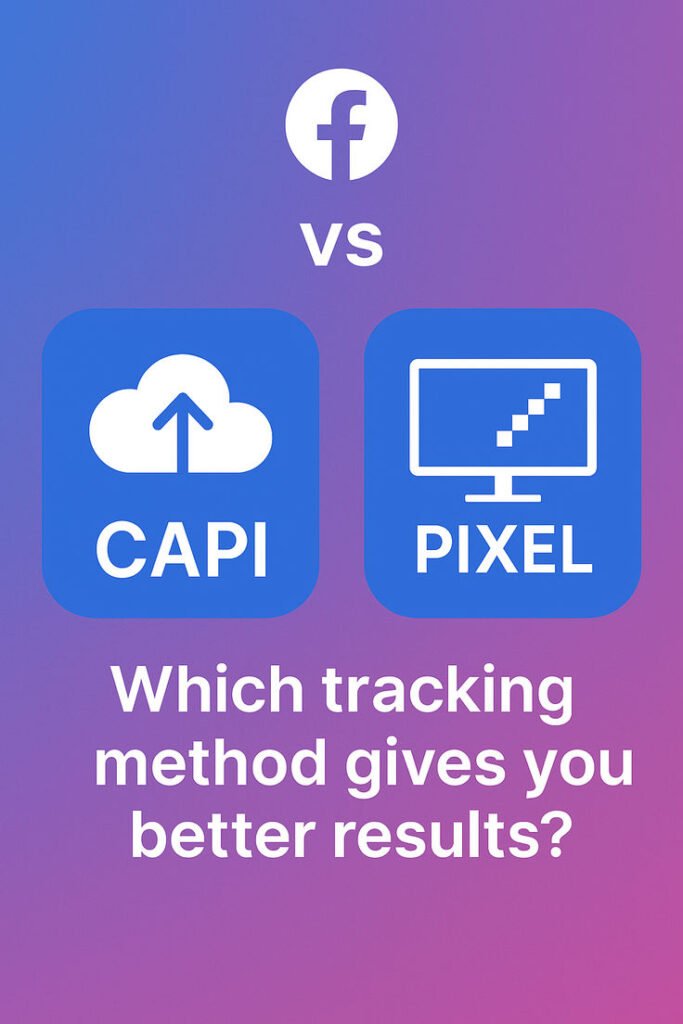
1. Conversion API (Server-Side Tracking)
Due to privacy updates and iOS restrictions, browser-based pixels may lose data.
Meta introduced Conversion API to:
-
Send events directly from server
-
Improve tracking accuracy
-
Reduce data loss
Server-side tracking is the future.
2. Event Prioritization (For iOS 14+)
Due to Apple privacy rules, you can prioritize only limited events.
Choose highest value events:
-
Purchase
-
InitiateCheckout
-
AddToCart
-
Lead
3. Enhanced Conversions (Google)
Google allows hashed first-party data (email/phone) to improve attribution accuracy.
4. Multi-Pixel Setup
Large businesses run:
-
Separate pixels per brand
-
Separate pixels per region
-
Separate pixels per product line
This improves segmentation and reporting clarity.
Privacy & Compliance in 2026
You must:
✔ Add cookie consent banner
✔ Update privacy policy
✔ Inform users about tracking
✔ Allow opt-out options
Privacy regulations like GDPR and India’s Digital Personal Data Protection Act require transparency.
Common Pixel Tracking Mistakes
❌ Installing pixel incorrectly
❌ Not verifying events
❌ Tracking wrong conversion event
❌ Duplicate firing events
❌ Not testing before launching ads
❌ Ignoring server-side tracking
❌ Overcomplicating setup
How to Test Pixel Tracking
Use:
-
Meta Pixel Helper (Chrome extension)
-
Google Tag Assistant
-
Real-time GA4 reports
Test by:
-
Visiting page
-
Triggering event
-
Confirming event fired correctly
Always test before launching paid campaigns.
Pixel Tracking for Different Business Models
E-Commerce
Focus on:
-
Purchase value tracking
-
ROAS measurement
-
Cart abandonment retargeting
SaaS
Track:
-
Trial signups
-
Demo requests
-
Subscription upgrades
-
Feature usage events
Coaches & Consultants
Track:
-
Webinar registrations
-
Strategy call bookings
-
Course purchases
Local Businesses
Track:
-
Appointment bookings
-
Phone call clicks
Pixel + UTM + CRM Integration
For complete tracking ecosystem:
-
Pixel (behavior data)
-
UTM parameters (traffic source data)
-
CRM (customer lifecycle data)
CRM tools like HubSpot and Salesforce can store source data for lifetime value tracking.
Metrics You Should Monitor
-
Conversion rate
-
Cost per conversion
-
ROAS
-
Add-to-cart rate
-
Checkout completion rate
-
Purchase value
-
Cost per lead
Review weekly.
90-Day Pixel Implementation Plan
Month 1:
-
Install base pixel
-
Add core events
-
Test setup
-
Launch small campaign
Month 2:
-
Add retargeting campaigns
-
Implement Conversion API
-
Optimize based on event data
Month 3:
-
Build lookalike audiences
-
Scale winning ads
-
Refine event tracking
-
Improve funnel performance
The Ultimate Pixel Tracking Checklist
✔ Install base pixel correctly
✔ Use tag manager
✔ Add standard events
✔ Implement server-side tracking
✔ Test events
✔ Set event priorities
✔ Create retargeting audiences
✔ Use lookalike audiences
✔ Monitor performance weekly
✔ Stay compliant with privacy laws
Final Thoughts
Pixel tracking is not optional — it’s foundational.
Without tracking:
You guess.
With tracking:
You optimize.
With advanced tracking:
You dominate.
The best pixel tracking strategy in 2026 is:
✔ Event-based
✔ Server-side supported
✔ Privacy compliant
✔ Integrated with CRM
✔ Data-driven
Marketing success is no longer about spending more — it’s about tracking better.
Install correctly.
Test thoroughly.
Analyze regularly.
Optimize relentlessly.